Aligner staging
Aligner staging is the step where you split the objective tooth movement into small steps. In our system, tooth movement will be splitted so that the root surfaces move 0.25 mm at maximum for every step.
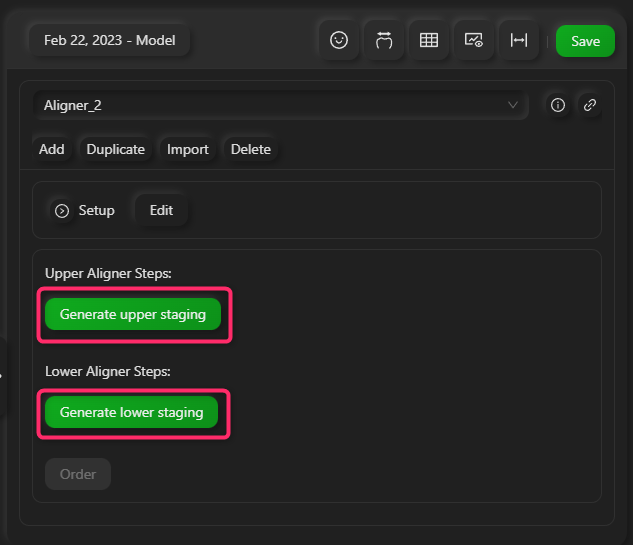
You can edit the staging by clicking Generate upper/lower staging button
Aligner staging is affected by the following parameters:
- Timing of IPR
- Timing of tooth movement
- Gap overcorrection
Timing of IPR
There are 4 options for timing of IPR.
- Apply IPR at the beginning of the treatment
- Apply IPR before the final phase of the treatment
- Apply IPR as soon as possible (system determines the timing)
- Apply IPR at a specific stage number
You can switch these options by clicking the IPR indicator button.
Anterior teeth will flare out buccaly until IPRs are applied, then be retroclined after the IPRs are applied.
Timing of tooth movement
You can edit timing of tooth movement by editting the tooth movement table. For example, molars can be moved first, followed by the anterior teeth.
The system also have presets for specific tooth movement patterns such as the sequencial molar distalization or the canine retraction (the frog jump).
Gap overcorrection
Gap overcorrection are additional stages after the desired tooth movement is achieved. Since intra oral scans cannot obtain interproximal geometry, the interproximal distances might not be accurate. Gap overcorrections are added to close small gaps caused by this inaccuracy of interproximal distances.
You can specify which interproximal points you want to add overcorrection. The system also has some presets for it.