Occlusion color map
Occlusion color map shows tooth distance between upper and lower teeth. You can turn on/off the color map by toggling Occlusion in the view component control.
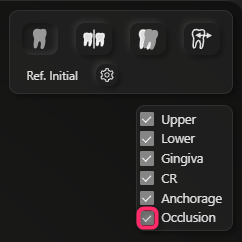
The red color means there are occlusal interference there.
We recommend to use Seating function to solve occlusal interferences and maximize occlusal contact rather than adjust the tooth position manually.
Please see Seating as well.