Arch form & Expansion
Basically, we do not recommend to edit archform and dental expansion a lot because our system automatically estimates the best archform and inter-molar width. However, it is not always perfect and you can edit these parameters.
To show arch form and dental expansion controls, please click the upper/lower arch control button.
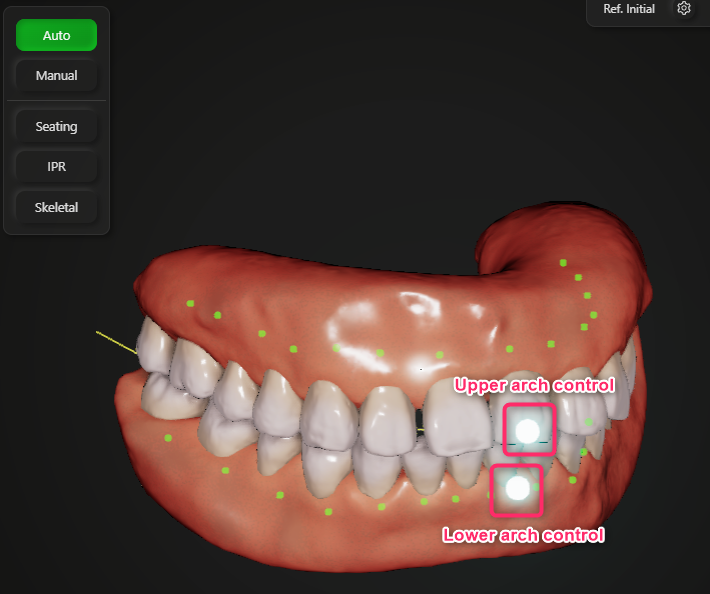
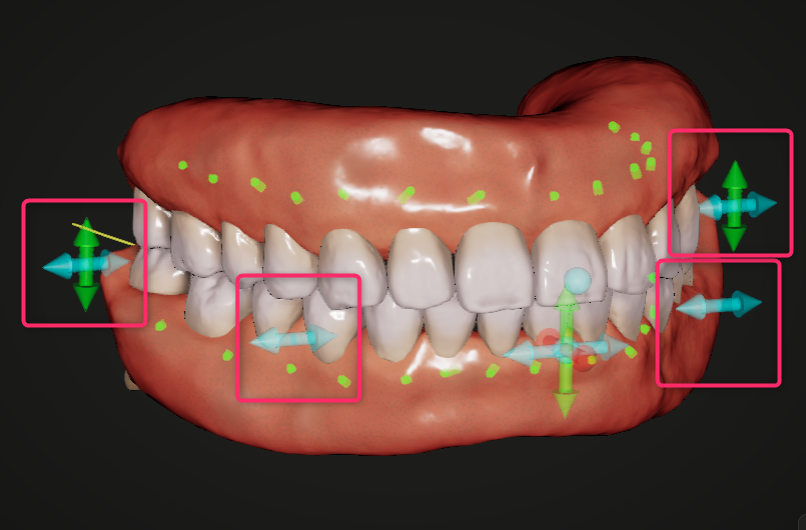
Then the arrows to control arch form and dental expansion will be shown. You can change arch form using the cyan arrows beside the lateral teeth and dental expansion using the cyan arrwos beside the molars. Both upper and lower arch controls has the same effect for arch form and expansion function.
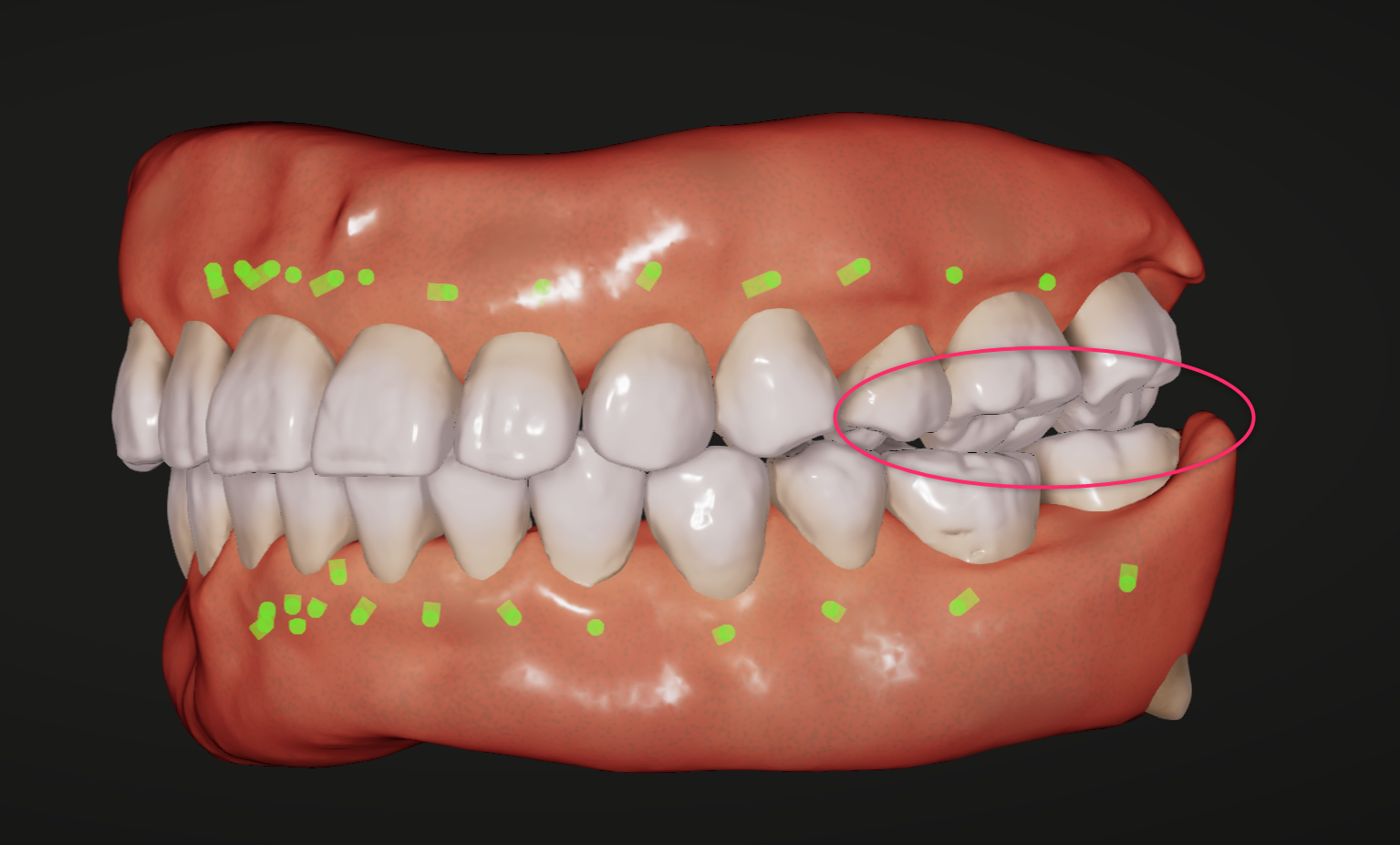
Please be noted that too much expansion causes occlusal interference of the lingual cusps and loose oclusal contact on buccal cusps.
If you plan skeletal expansion and move the roots buccally, please use Skeletal function.
For more information, please see Skeletal Control section.