Overview
Auto alignment is the function where our algorhythm will automatically align teeth according to doctor's treatment plan. Auto alignment is the best way to make a setup when you move more than 4 teeth.
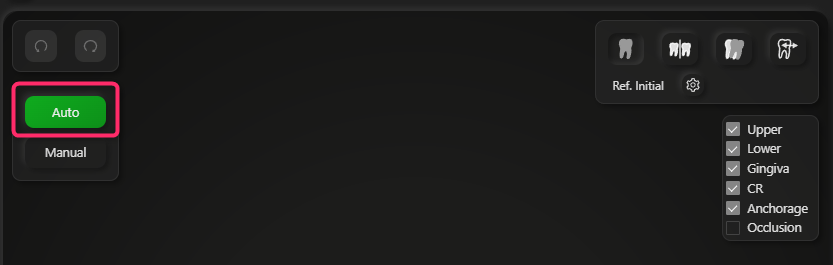
To start auto alignment, please click Auto
The video below is the overview of how our auto alignment works.
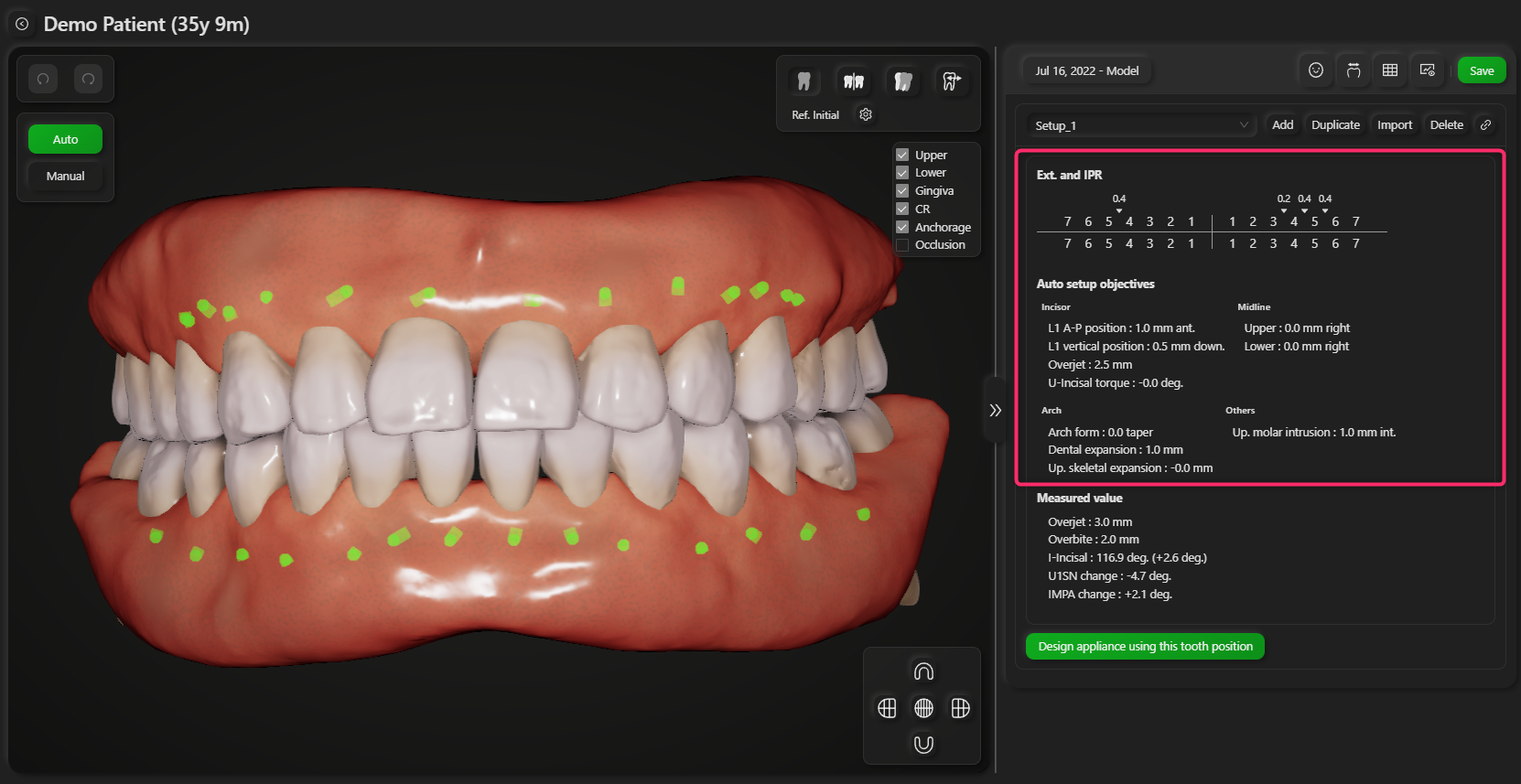
Our auto setup algorhythm will align teeth according to your treatment plan. You can input the following parameters by clicking the arrows.
- Lower incisor position
- Upper incisor torque
- Overjet
- Mid-line shift
- Arch form
- Dental expansion
- Vertical position of molar
- IPR
- Extraction
When you change any of these parameters, the teeth will be aligned according to the parameters. Our auto setuo algorhythm aligns teeth so that the roots stay in the estimated alveolar bone to avoid the fenestration of roots.
The current values of setup parameters are shown in the right side.
You can also adjust the position of individual tooth manually (Manual adjustment)
Our system focuses on the center of resistance and the anchorage to asess tooth movement. Please see CR indicator and Anchorage indicator for more information
You don't need to nervous about solving occlusal interference during the digital setup. Our software has Seating button to make occlusion tighter and avoid occlusal interference. It automatically adjust tooth positions to eliminate occlusal interference, gap between teeth and maximize occlusal contact while trying to keep the position of the center of resistance you decide. Please see Seating section.